Corsair HS55 Stereo vs Corsair HS80 RGB Wireless
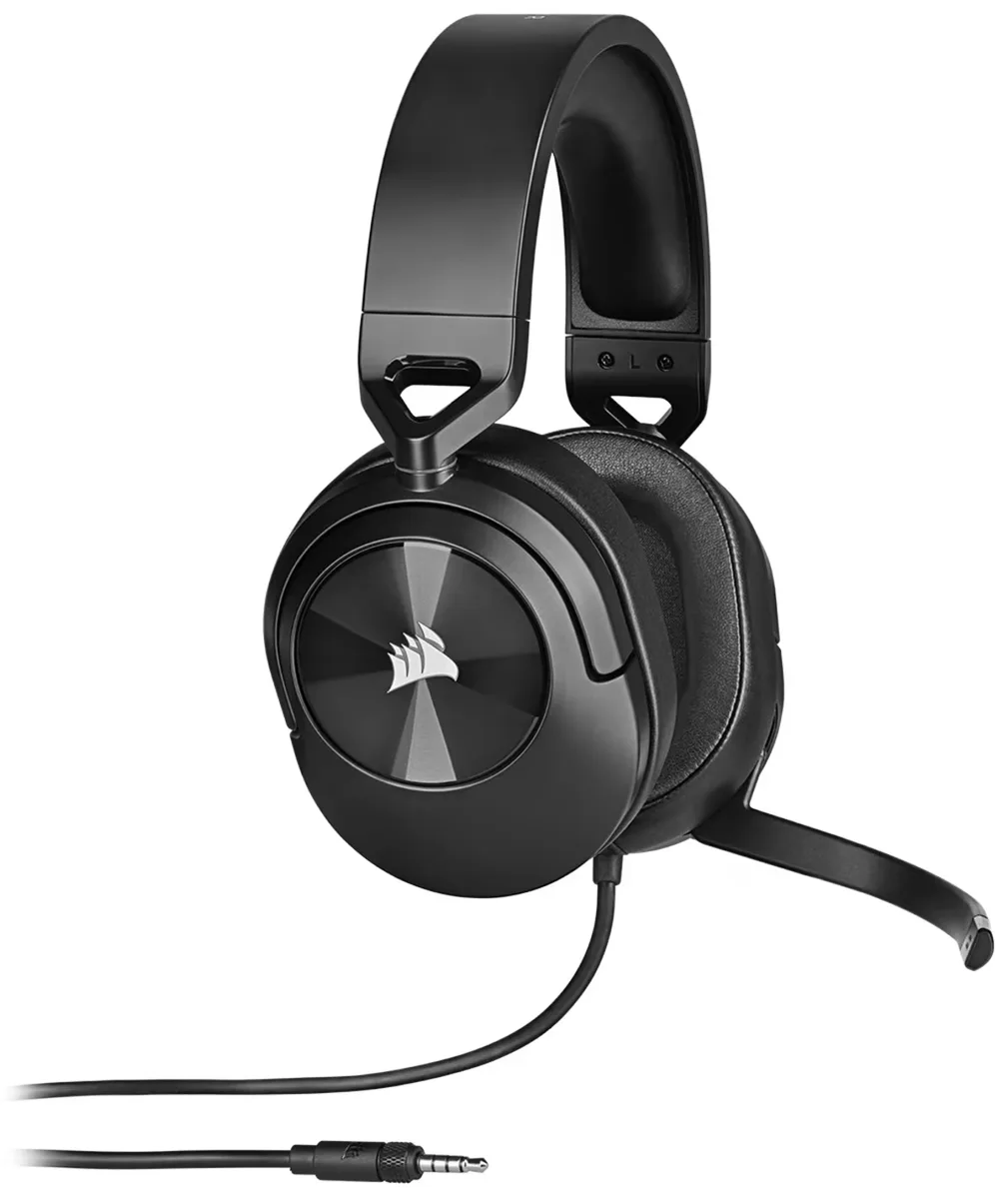
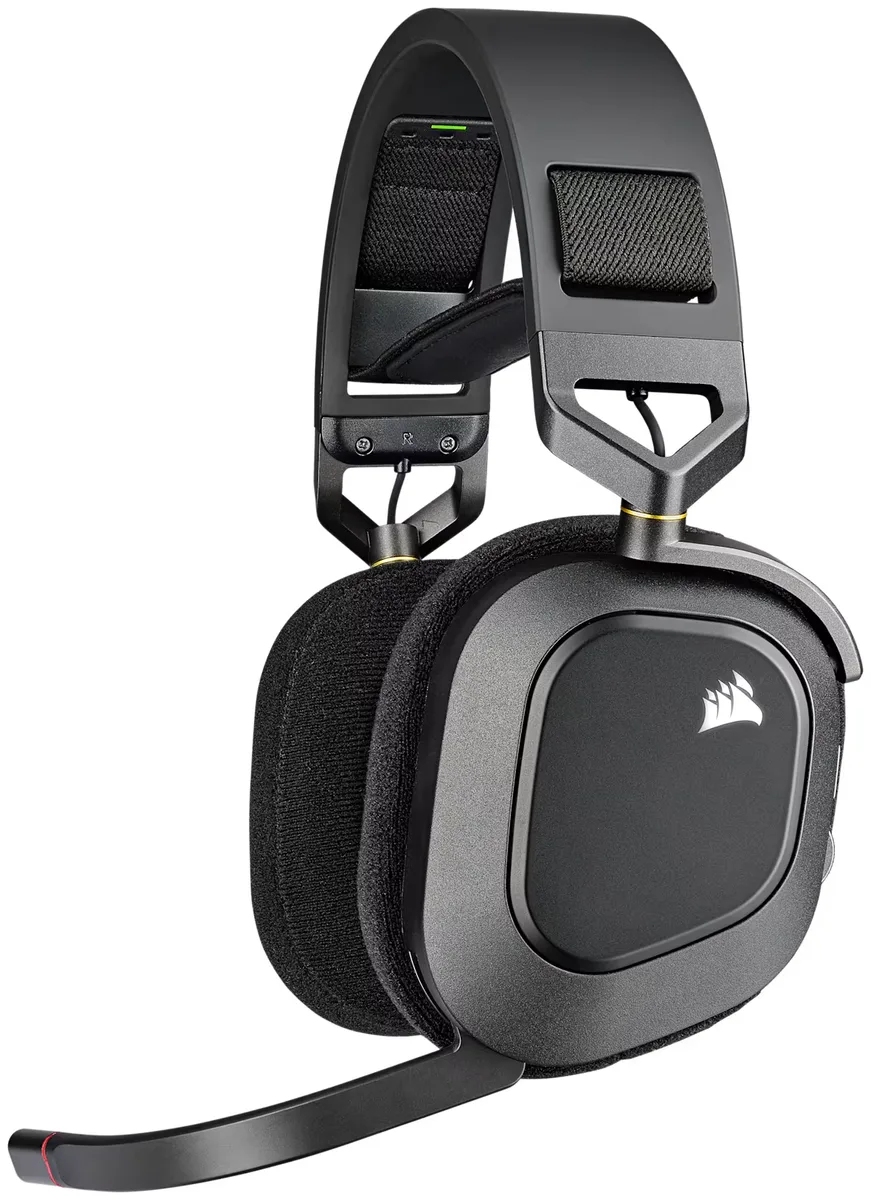
Quick take: The Corsair HS55 Stereo costs $85 less.
Which one to buy
The extra $85 for the HS80 mainly buys the mic and the wireless connection. The HS80's omnidirectional boom is the one owners describe as close to broadcast quality: crisp, with no background fuzz, although many units ship quiet and need a gain boost in iCUE. The HS55's flip-to-mute mic is inconsistent. Some owners get compliments, while others are asked by teammates to switch headsets because they sound muddy. If you spend your evenings on Discord, that difference alone justifies the HS80.
The cost is reliability and compatibility. The HS80's 20-hour battery is its weak point. One owner documented it falling to 6-8 hours within months, and Corsair itself suggests turning off the RGB to save runtime. It connects only through its Slipstream dongle or USB to PC, Mac and PlayStation, with no Bluetooth, no 3.5mm, and no Xbox. The HS55 is a plain 3.5mm headset that works with anything that has a jack, never needs charging, and needs no software. That also means it has no EQ and no surround.
They break in different places. The HS55's plastic hinges and volume wheel are its known failure points, and its cable and mic don't detach. The HS80 has aluminum yokes and a floating ski-band that owners praise with glasses, though its pads get warm after about 45 minutes. At 368g the HS80 is also much heavier than the HS55.
Corsair HS55 Stereo
If you want one cheap headset that plugs into every console and controller with no charging and no software, and you're gentle with the hinges.
Corsair HS80 RGB Wireless
Best if you play on PC or PS5, the mic is what you care about most, and you don't mind charging often with the RGB turned off.
| Spec | Corsair HS55 Stereo | Corsair HS80 RGB Wireless |
|---|---|---|
| Approx. price | ~$35 | ~$120 |
| Rating | — | — |
| Type | Gaming Headsets | Gaming Headsets |
| Noise Cancelling | None | None |
| Battery (single charge) | — | 20 hrs |
| Battery (with case) | — | — |
| Quick Charge | — | — |
| Codecs | 3.5mm wired | Slipstream 2.4GHz wireless, USB-C wired |
| Bluetooth | — | — |
| Multipoint | No | No |
| Driver Size | 50 mm | 50 mm |
| Weight | 284 g | 368 g |
| Water Resistance | — | — |
| Wireless Charging | No | No |
| Transparency Mode | No | No |
| Spatial Audio | No | Yes |
| App EQ | No | Yes |
Pros & cons
Corsair HS55 Stereo
- ✓Standout comfort for the price — plush memory foam, light clamp
- ✓Works on PS5, Xbox, Switch, PC, and mobile via 3.5mm
- ✓Balanced, inoffensive tuning suits long sessions
- ✓Flip-to-mute Discord-certified mic is convenient
- ✓Light at under 300g with solid build quality
- ✓Street price frequently drops to $30-35
- ✗Stereo only — no surround, spatial audio, software, or EQ
- ✗Mic has a faint constant background fuzz
- ✗Mic and cable are non-detachable
- ✗Leatherette pads get sweaty in warm rooms
- ✗Imaging trails the Razer BlackShark V2 X for competitive FPS
Corsair HS80 RGB Wireless
- ✓Boom mic quality embarrasses most headsets at any price
- ✓Detailed 50mm drivers with Dolby Atmos support on PC
- ✓Full EQ and customization via iCUE
- ✓Low-latency Slipstream dongle for PC, Mac, PS5/PS4
- ✓USB-C wired mode lets you keep playing while charging
- ✓Floating headband distributes weight well for most heads
- ✗No Xbox support and no Bluetooth or 3.5mm fallback
- ✗20-hour rated battery; owners see 12-15 with RGB on
- ✗Heavy at 368g and runs warm
- ✗Elastic headband fit is divisive — tight on large heads
- ✗Some owners report ear-pad fabric wearing after months
- ✗Mic is non-detachable
Corsair HS55 Stereo vs Corsair HS80 RGB Wireless: common questions
Does the HS55 or the HS80 RGB Wireless work on Xbox?▾
Only the HS55, plugged into the controller's 3.5mm jack. The HS80 RGB Wireless doesn't support Xbox at all, and it has no 3.5mm jack to fall back on.
Is the HS80's mic really that much better?▾
Owners consistently rank it among the best attached mics in its class, while the HS55's mic is a coin flip between praised and muddy. Expect to raise the HS80's mic gain in iCUE or Windows before teammates hear you at full volume.